
Try the tone in your browser
Plays a 165 Hz tone for 30 seconds. Turn the volume up, keep the speaker facing down and take headphones off. The app adds pulses, sweeps and more modes.
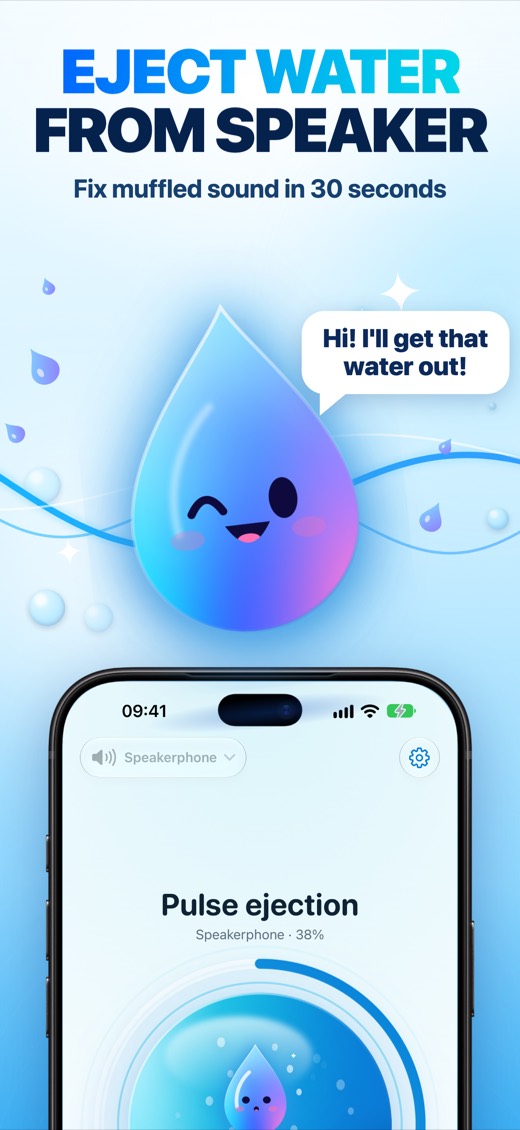
When to use it
- Your iPhone sounds muffled, quiet or distorted after getting wet
- Calls are hard to hear because the earpiece is clogged
- Your speaker grille has dust or lint in it
- AirPods or a Bluetooth speaker sound dull after moisture
How it works
At about 165 Hz the speaker membrane moves the most and pumps air through the grille. Short pulses break the surface tension that holds droplets in the mesh, and slow frequency sweeps shake loose whatever is left. It is the same idea as Water Lock on Apple Watch.
Cleaning modes
- Water: eject water after rain, a splash or a shower
- Dust: shake loose particles from the speaker grille
- Deep: a longer cycle for heavily muffled sound
- Earpiece: its own frequency band for the top speaker you hear calls through
- AirPods and Bluetooth speakers: clean external devices too
Speaker check: see the result
Measure your speaker with the microphone before and after a cleaning and see how many dB louder it got.
Sound tools
- Speaker Test: check the left and right channels and stereo balance
- Tone Generator: any frequency from 20 Hz to 20 kHz with sine, square, saw and triangle waves and quick presets
- Noise Meter: sound level in dB with min, average and max readings
One tap from anywhere
- Home Screen and Lock Screen widgets
- Control Center button
- Siri, Shortcuts and the Action button
- Made for iPad too, in portrait and landscape
- Made for iPhone Duo, folded or unfolded
For best results
- Turn the volume all the way up
- Keep the speaker facing down and take the case off
- Run the cycle again if the sound is still muffled
- Never wear headphones in your ears while cleaning: the tones are loud
Good to know
Sound can clear water and loose dust from the speaker grille. It can't repair hardware damage, and it can't dry the inside of a phone. If your phone was fully submerged, turn it off and let it dry first. If the sound stays muffled after a few cycles, contact Apple Support.
Questions
Is it safe?
Yes. It plays audio through the normal speaker at the volume you set. Nothing is installed on or changed in your iPhone.
Does it work on iPad, AirPods and Bluetooth speakers?
Yes.
Is it free?
Free to try with a few cleanings every day. Pro removes the limit.
Water eject pro
Pro unlocks unlimited cleaning, all modes and all sound tools. Payment is charged to your Apple ID at confirmation of purchase. The subscription renews automatically unless you cancel at least 24 hours before the end of the current period. You can manage or cancel it in your App Store account settings.